
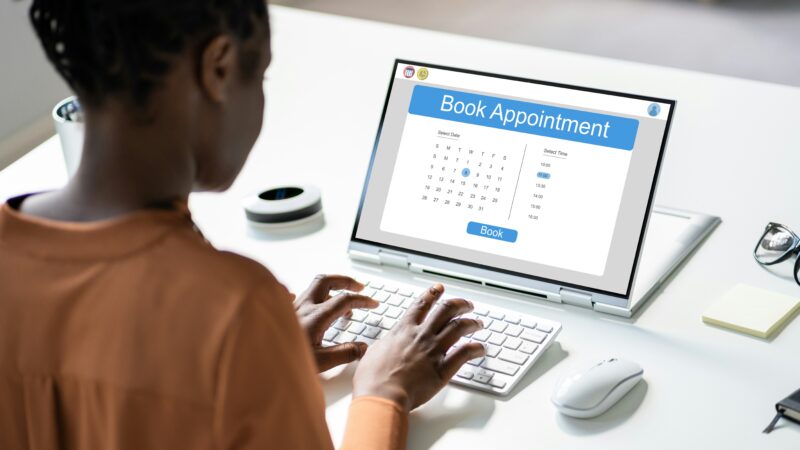
First step
To book an online appointment with us you will need to create your online account and log in to your Personal Health Record (PHR).
We are a free and confidential NHS service, all patient records must be kept separate. Use your details when registering so we can contact you with your results.
When you have an online account
Our online appointment booking service is accessed from the PHR login screen:
LoginAbout appointments booked online
All of our appointments booked online are at SHAC East.
If you are not sure whether to book online or to attend a walk-in appointment visit ‘Find the right appointment’.
You can also read about what happens at your appointment.
Additional support at your appointment
There are many ways that we can support you at your appointment, just let us know when asked in the booking process.
If you need an interpreter, please let us know so we can allow enough time for your appointment. Please note that family and friends cannot be used as interpreters, telephone interpreters will be provided.
Questions we will ask
We will ask you a few simple questions to help us understand your needs. If no appointments are available to book online, we will give you information about how to access our services in a different way.
Troubleshooting
If you can’t remember which email you used to register
If you have an online account with us but can’t remember which email address you gave when registering, call us on 01273 523388
If you’ve forgotten your password
If you have forgotten your password, you can reset it online using the ‘Help’ function on the log in screen.
If you think someone else can access your account
Please contact us as soon as possible. We may temporarily disable your PHR account to protect your information while we check your details. If it is not safe for us to contact you by phone, text or email, please tell us.